VBA Optional Arguments and Default Values
September 04, 2021How to set up optional arguments and default values for your Subs/Functions.
Written by Joseph who loves teaching about Excel.
How to set up optional arguments and default values for your Subs/Functions.
When to use which.
When to use which.
A simple introduction.
What's with all of these COUNT functions?
Variables created within blocks like For Next are given procedure-level scope.
Shuffle a grid of cells in a random order.
A deep dive into the world of Comma Separated Values.
Ever wonder what all the special characters mean in a formula?
Calculate items like "30 days ago" or "4 minutes ago" in Excel.
Keep a log of new data by using VBA.
Run macros with the click of a button.
If you want to record macros, start here.
What they are and how to use them.
I use these all the time. You should, too.
A great tool to help you keep track of different scenarios in your data.
Here's how to set many named ranges at the same time.
One of the building blocks of VBA.
Scare your friends with a spreadsheet.
Find specific text in cells.
Create a summary of text in Excel.
Don’t ask my why, but I love string manipulation. It sounds weird, I know, but I always enjoy finding clever ways to manipulate strings…
This SUM() is greater than all of its parts.
If only =CountUnique() existed in Excel...
#2 might surprise you.
And how to include holidays, too.
It's pretty simple once you realize this one concept.
For Each is a major building block for learning how to code in VBA.
You might not expect this solution.
Seems simple, but you might get snagged by this common mistake.
Have you ever needed to Sum the top N values in Excel?
Find the first, second, third, etc. largest number from a set of numbers.
This is very important to understand with VBA.
The VBA Range object is one of the most important topics to understand.
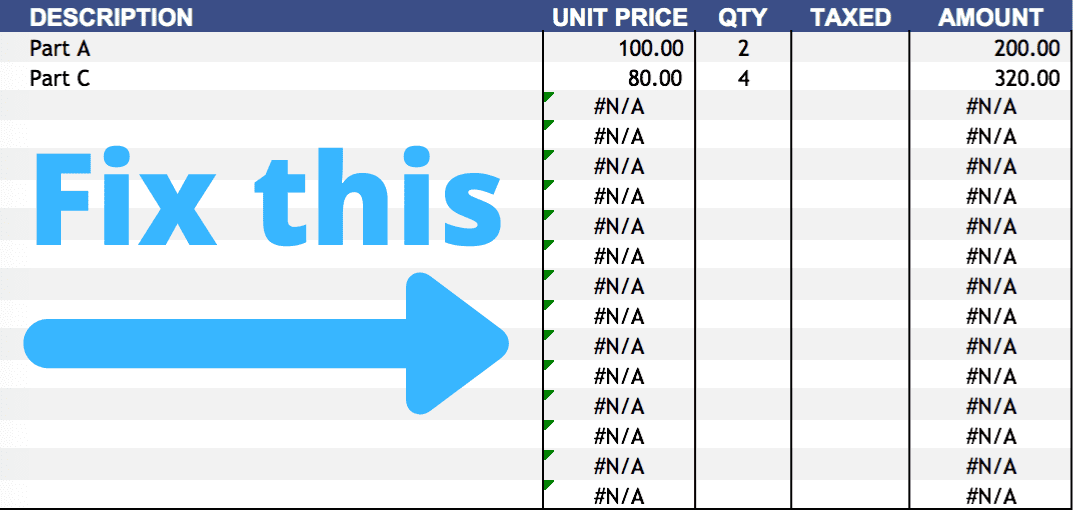
Get rid of ugly #N/A! errors.
Log changes from your worksheet.
Here's what to do when you get these formula errors.
Always get the Monday date of the current week.
IF(You Click Here, You Learn, Otherwise You Don't)
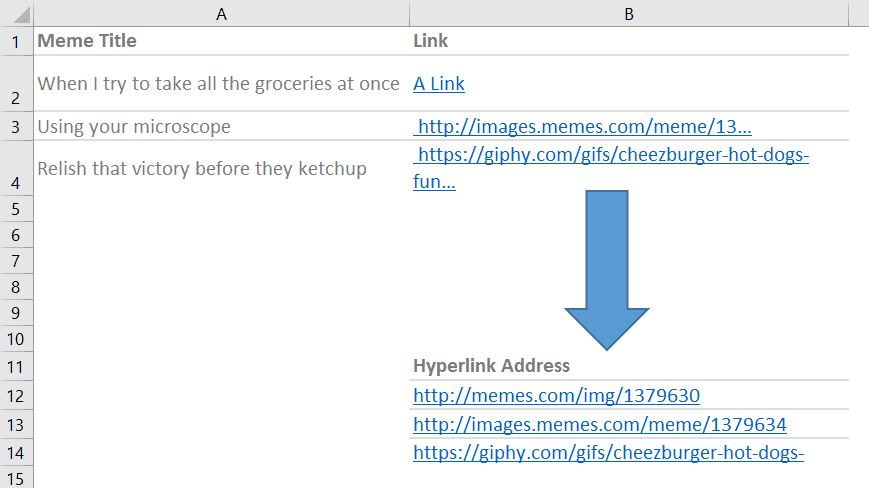
Convert hyperlink friendly text to the URL address.
Nathan is working on a spreadsheet that contains a list of car models and owners. He needs to create a unique list of owners per car. “Maybe…
This post is guaranteed to save you time.
Give your functions clarity with Structured References.
Having fun with C# and Excel.
Restrict cells to a list of options.
Convert a single cell into multiple columns based on text.
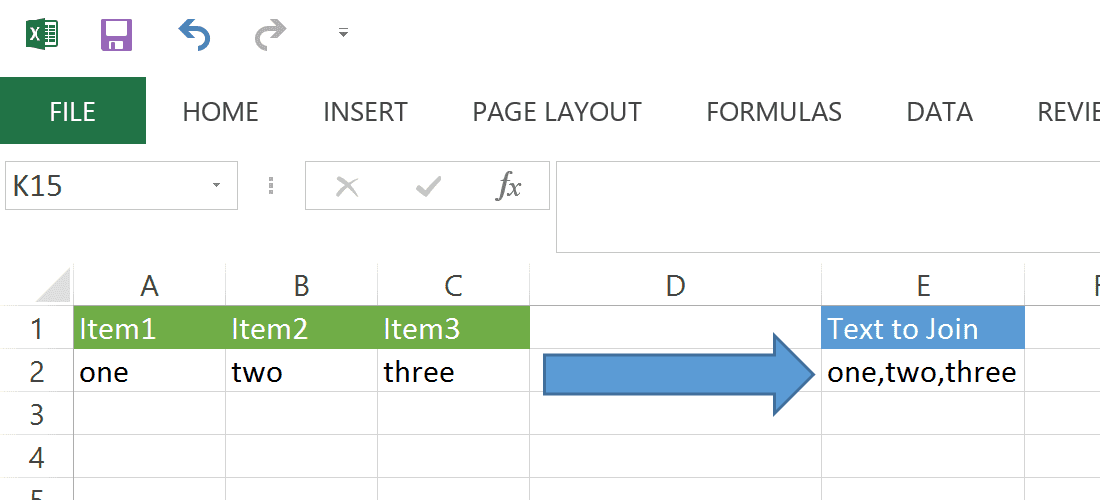
Combine multiple cells into a single cell.
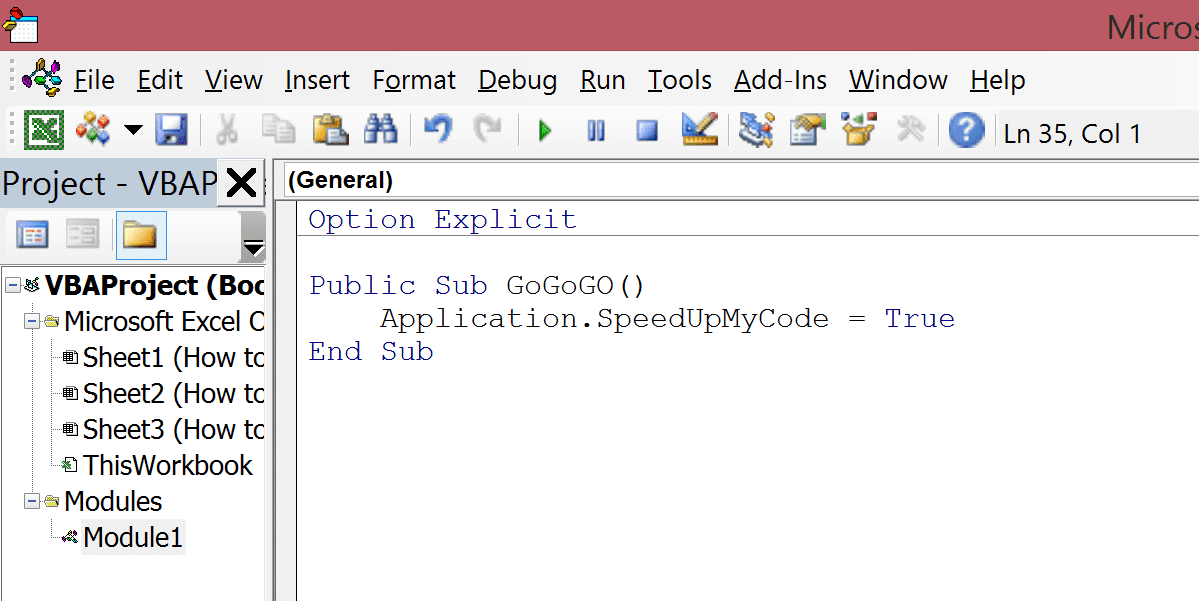
You like fast code, right?
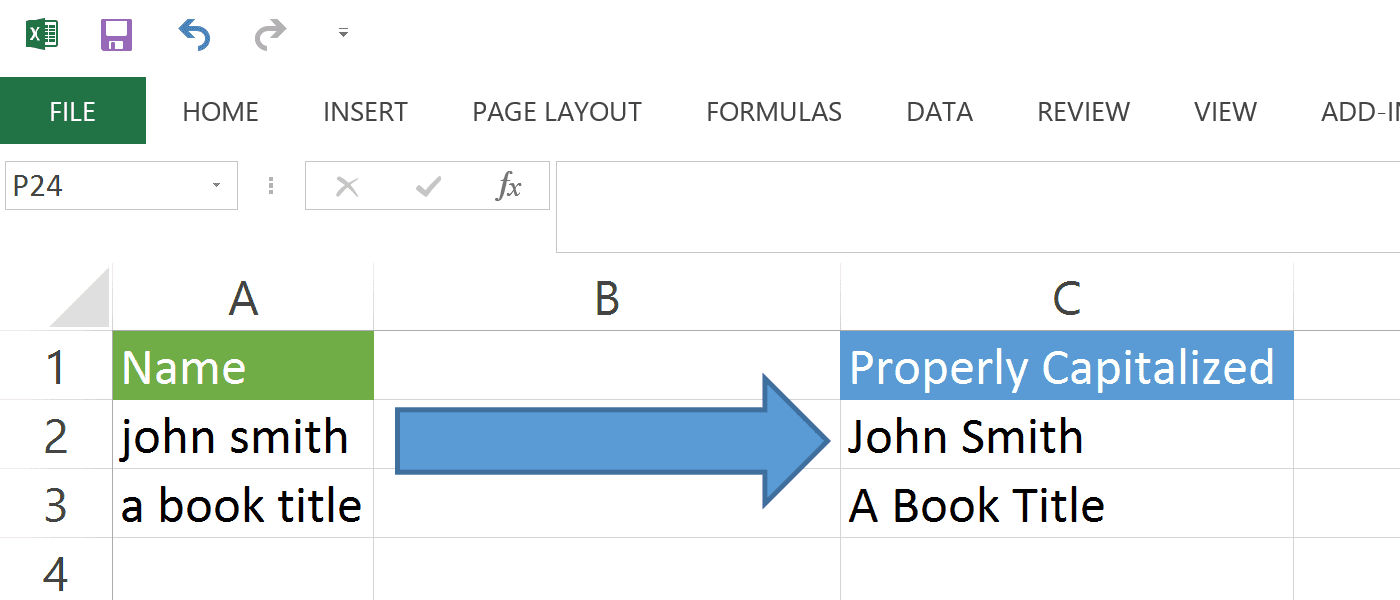
If you need to do some name formatting in cells, check this out.
Do you like to move quick in Excel?
Start your VBA journey here.
You do like to impress your boss, right?
Make your VBA code more adaptable to worksheet column changes.
Exploring a different approach.
Organize multiple views of the same workbook.
Need to look at the same worksheet in different sections?
I spent way too much time on this post.
Behold the power of array formulas!
A solution to an odd problem.
Quickly create hyperlinks based on external data.
Why ="This" won't show the quotation marks...
You don't really want to use Vlookup, do you?
Learn how to use the most popular function in Excel.
Connect your pivot tables to SQL Server!
I don't always remove gridlines, but when I do...
It's simple once you know how to do it.
How cell references work.
Formulas are the basis of getting any calculation done in Excel. Whether you need to sum a range of values, calculate forecast for next…
A first look at Excel 2007.
The first post!